
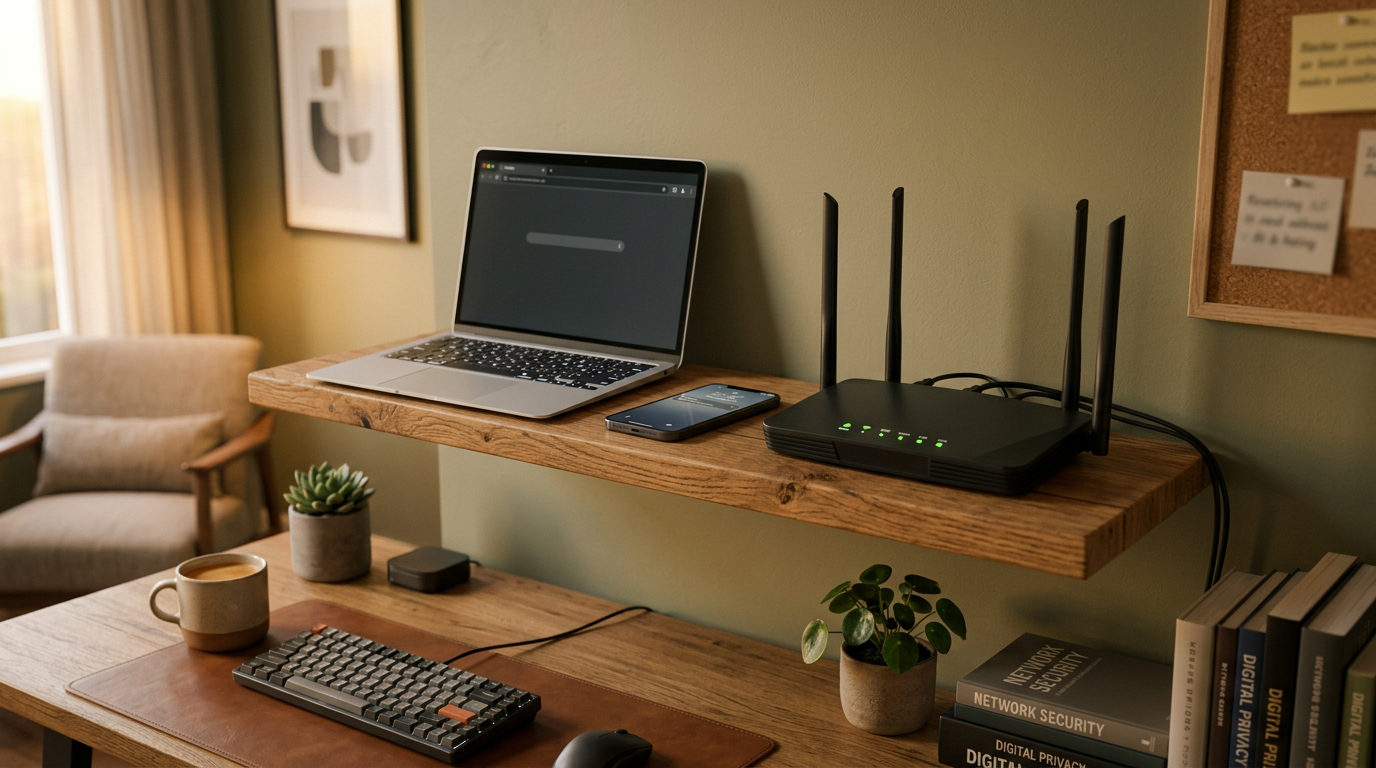
Think of Wi-Fi security as a handshake between your device and the access point. Older handshakes had gaps; newer standards aim to close them without breaking older hardware.
WPA3 improved protection for weak passwords and added stronger key exchange methods. In many configurations, it also makes captured traffic less useful if credentials leak later.
That said, the strongest protocol cannot fix weak setup habits. Reused passwords, unchanged default router settings, and outdated firmware still create avoidable risk in home networks.
A practical first step is setting a unique network name and strong passphrase. Avoid personal details and avoid using the same password you use for email or streaming accounts.
Enable automatic updates if your router supports them. Security patches often close known vulnerabilities that are actively scanned by automated tools on the public internet.
Guest networks are useful for visitors and smart devices. Segmentation limits exposure so a vulnerable gadget does not have direct access to laptops, backups, or shared folders.
Public Wi-Fi needs extra caution. Prefer trusted networks, disable auto-join for unknown hotspots, and avoid logging into sensitive services on open networks when possible.
Router admin pages should be protected too. Change default admin credentials, use a long unique password, and disable remote management unless you specifically need it.
For households, security labels can simplify decisions when buying equipment. Look for support for current standards and ongoing updates, not just peak speed marketing claims.
If acronyms feel overwhelming, focus on outcomes: fewer unauthorized connections, safer browsing, and easier recovery when a device is lost or replaced.
Good Wi-Fi security is mostly routine maintenance. With a few clear habits, home networks can be both convenient and meaningfully safer without technical overload.